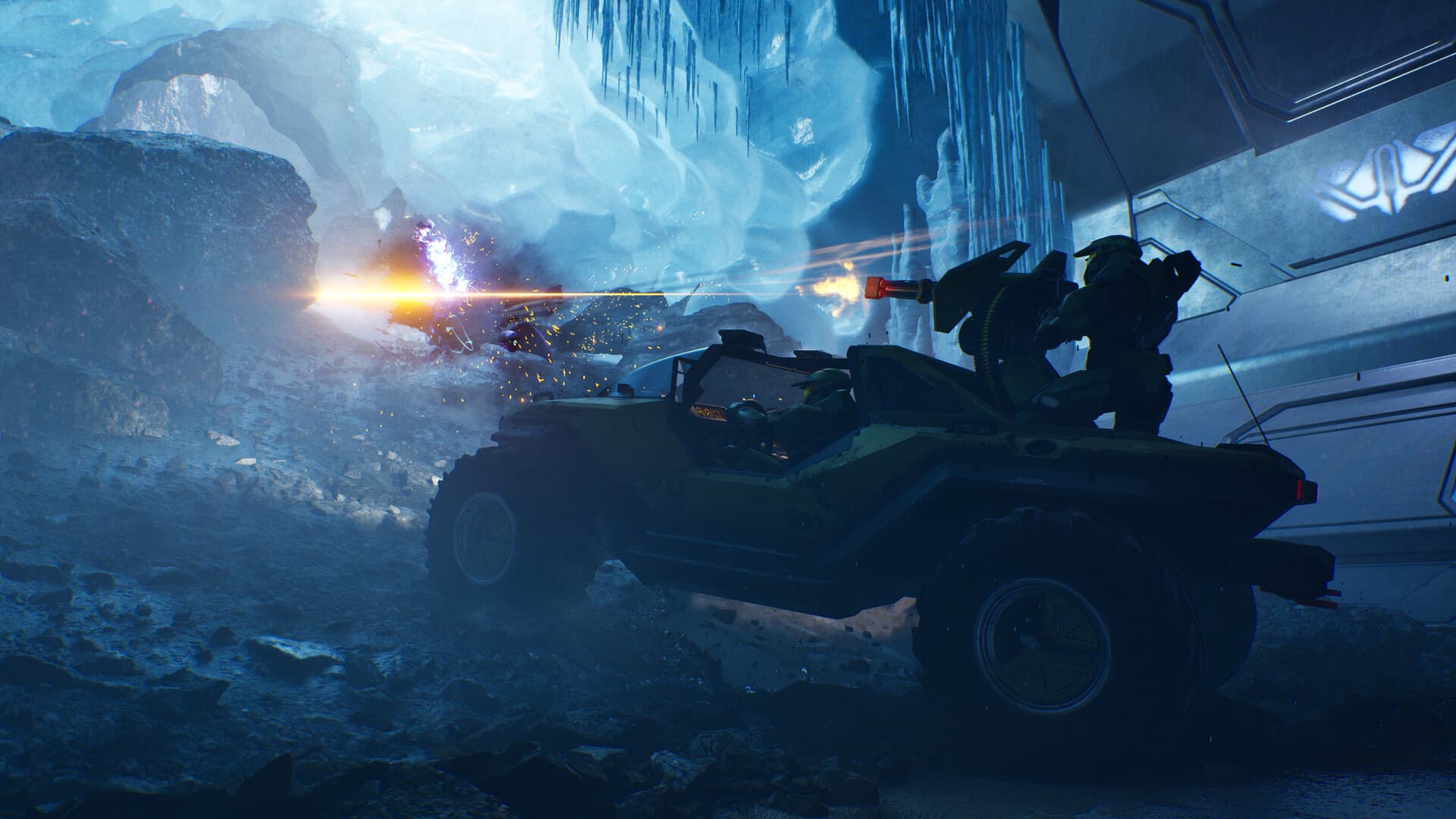
Know which co-op mode supports your group
Halo: Campaign Evolved supports up to four players in online and networked co-op across Xbox Series X|S, PlayStation 5, and PC. Crossplay and shared progression are part of that online experience, so a fireteam does not need to buy the same platform version. Console editions also support two-player split-screen for couch play. Split-screen is not listed for PC, and it should not be confused with the four-player online limit.
Every one of the thirteen campaign missions can be played cooperatively. Before a long session, have each player finish account linking, install the same game update, and reach the main menu. Create the fireteam, confirm all members appear in the roster, and use The Pillar of Autumn as a short connection test. If a participant joins through a platform invitation, verify that the in-game fireteam reflects the same group before launching.
Keep the fireteam together at checkpoints
Shared progression does not remove ordinary campaign checkpoint rules. The launch known-issues list says navigation markers may not advance until every fireteam member passes them. When the objective seems frozen, regroup at the marker instead of immediately restarting the level. During collectible runs, keep the group close enough that the discovery and its following checkpoint register for everyone, then inspect the collectibles menu before leaving the mission.
Choose a difficulty appropriate for the least experienced player on the first run. Halo’s combat becomes more demanding when multiple players trigger encounters from different angles, and modifier Skulls can change ammo, shields, enemy aggression, or friendly behavior. Add modifiers only after a clean baseline mission works. For LASO or deathless Remix attempts, agree on reset rules before launch so one player does not continue after the group considers a run invalid.
Use a short connection checklist
If an invitation fails, confirm the game is updated, restart the title rather than only returning to its menu, and check that platform privacy settings allow multiplayer and cross-network play. Steam and PlayStation players also need the linked Xbox account required by the game. Avoid unlinking accounts as a first troubleshooting step, because platform-account relationships can have restrictions and support consequences.
If the session starts but a mission cannot progress, regroup at the current navigation marker and make sure every player crosses it. In Two Betrayals, the release notes warn that destroying the Banshee after the first generator can prevent progress, so preserve it until the official issue is patched. When only one player disconnects repeatedly, let a different member host and test the same mission without optional Skulls before changing router or firewall settings.